



Reference article
Modelling Job
Use the photograph in the inventory as a reference and match the requested appearance before returning to the photographer.
Quest guide
Follow these steps to complete the quest. The screenshots show the starting location and the places or activities needed along the way.
1. Start the quest
Speak to  Rio Frost in
 Waterfall Village and accept the modelling job. The photographer gives you
 Photograph showing the appearance to copy.
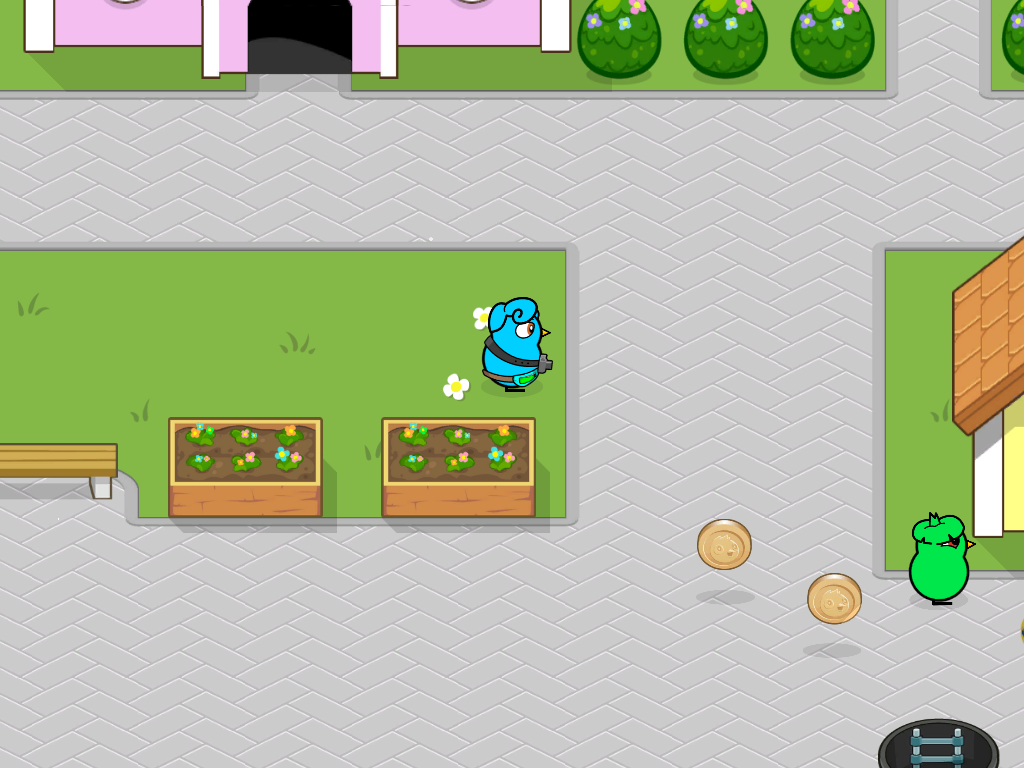
2. Check the photograph
Open the photograph in your inventory. Match the duck’s body colour, eye style and hairstyle. The requested appearance is chosen for your save, so copy your own photograph. Hats and costumes are not part of the appearance check.
3. Change your appearance
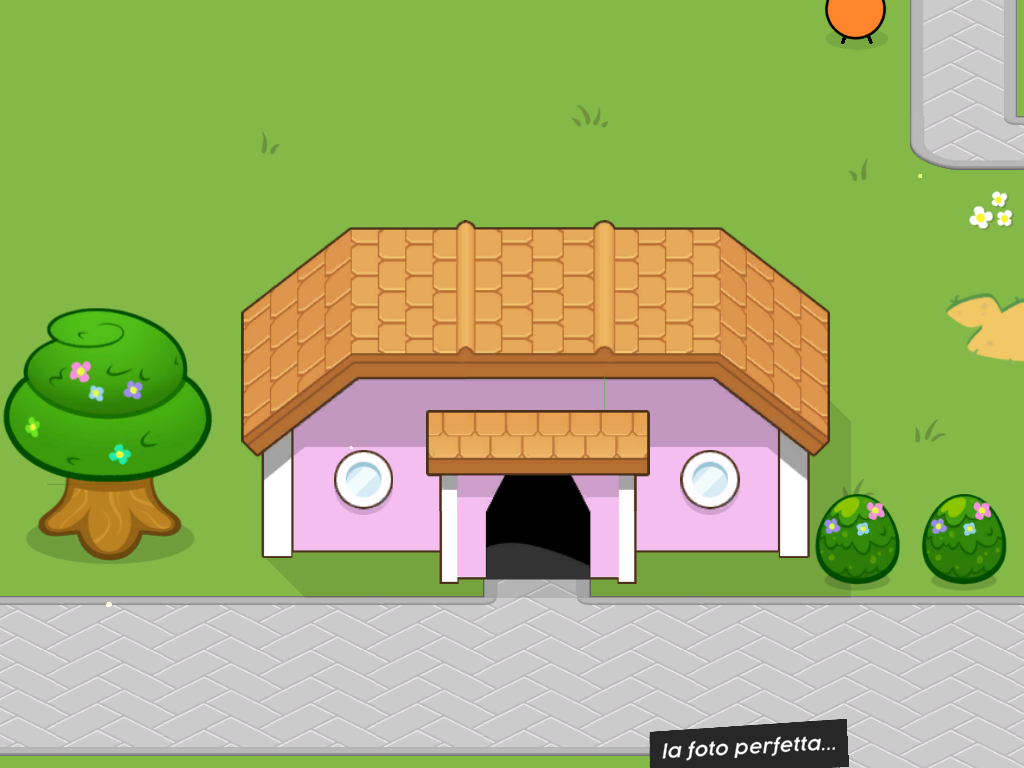
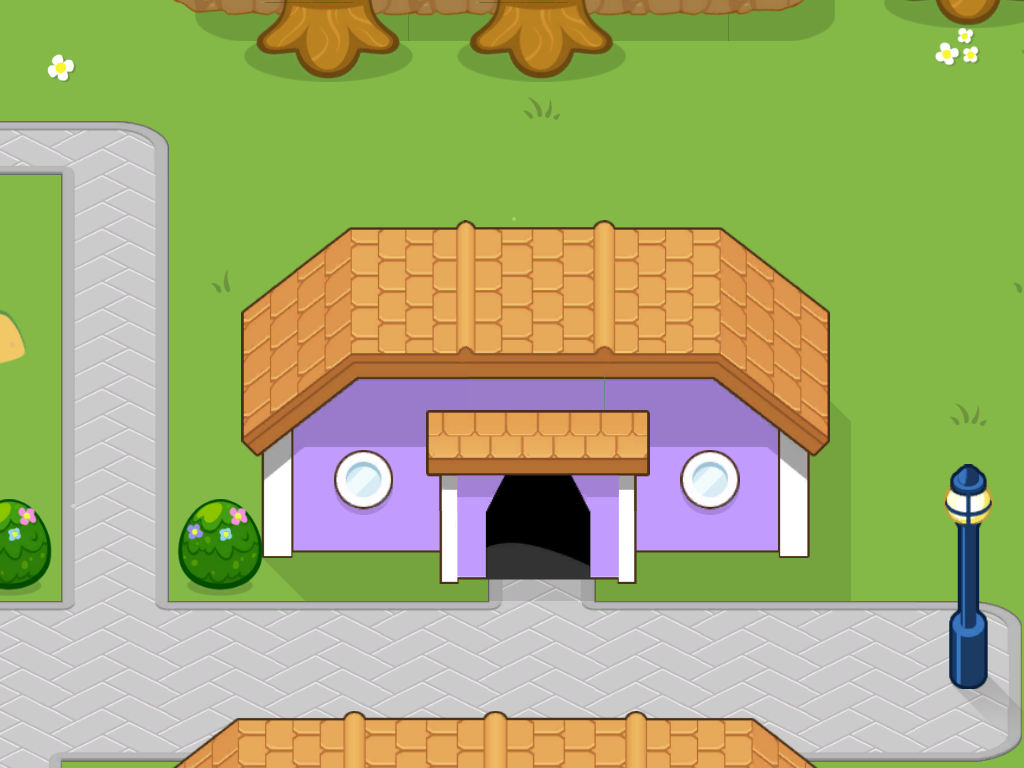
Visit a dye shop to change your body colour, and a salon to change your eyes and hairstyle. Check the photograph again before returning.
4. Claim the reward
Return to Rio Frost wearing the matching colour, eyes and hairstyle. Speak again to finish the job.