


Reference article
Dirt Path
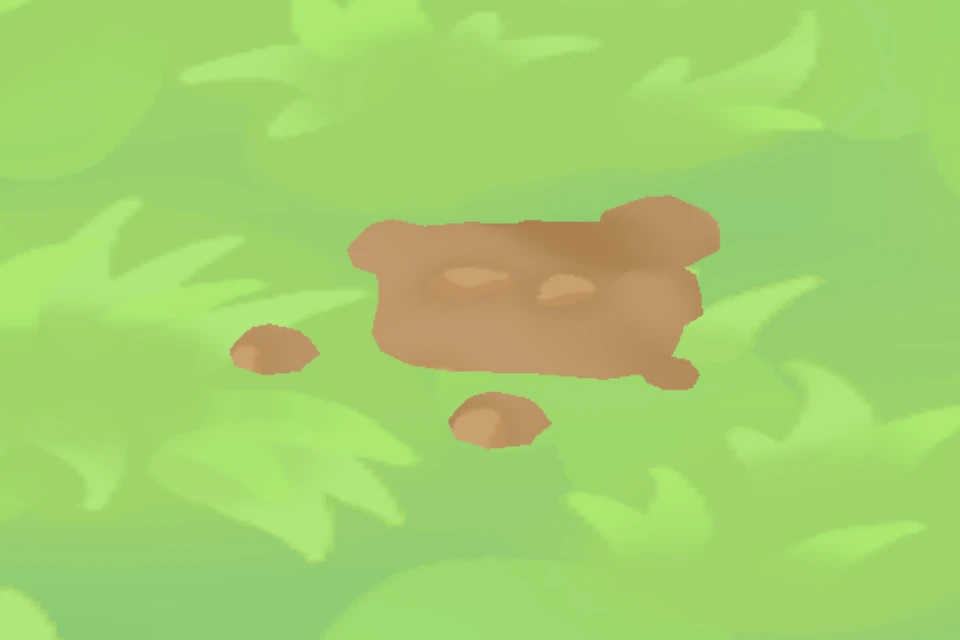
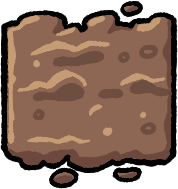
Dirt Path uses brown earth to make walkways through the village.
Laying a path
Open 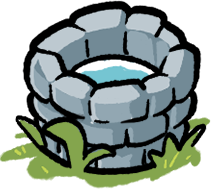 Upgrade Well, choose Paths and select Dirt Path. Place tiles on clear ground to connect homes and working areas. Each tile costs the amount below and appears immediately; there is no construction wait.
Extending the path
Select an existing Dirt Path tile and choose Edit to reopen that style’s path-placement tool. Lay more tiles to connect nearby buildings, keeping entrances and walking routes clear.
Building
Use the Upgrade Well to build this path. Leave its work area and entrances accessible. You can place multiple copies; each one costs the amount shown.